v1.0.0WordPress plugin · tested up to 7.1

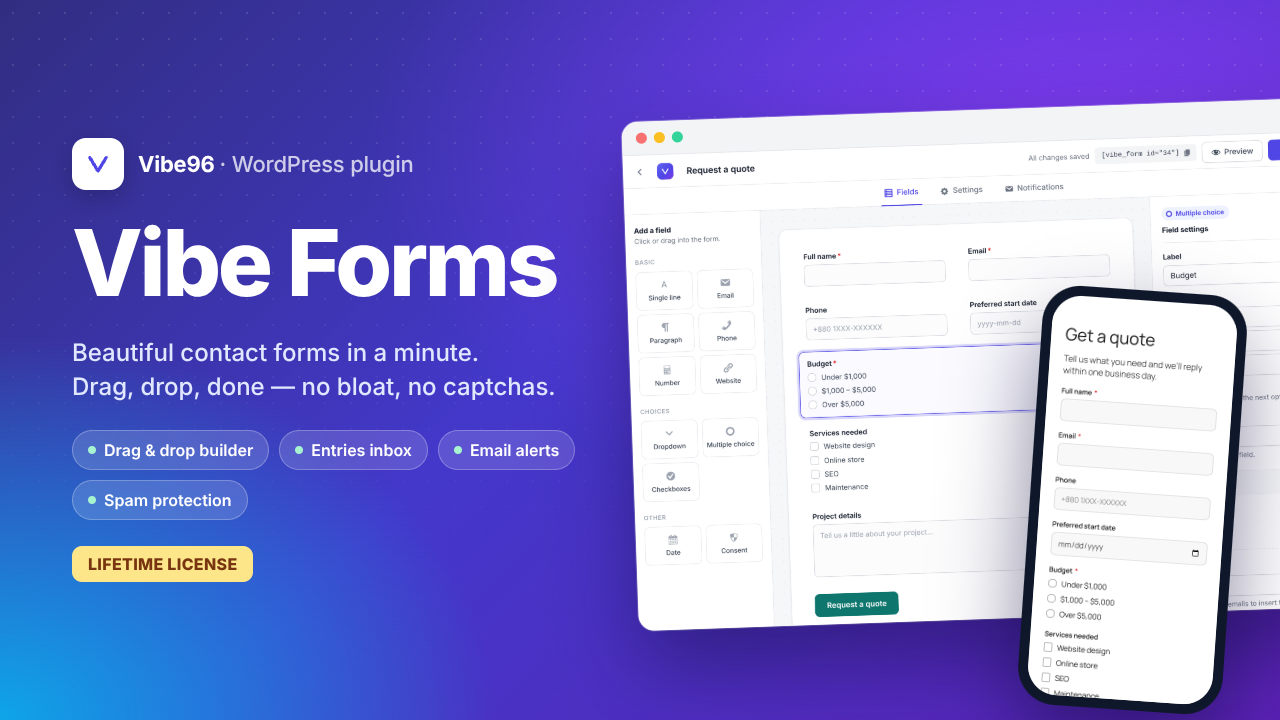
Beautiful contact forms in a minute.

A drag and drop form builder for WordPress with email alerts, an entries inbox and built-in spam protection. No bloat, no captchas, no yearly fees.
Explore all screens
WordPress
6.3+
PHP
7.4+
Editors
Block & Classic
Updates
Lifetime
wp-admin › Vibe Forms
Vibe Forms Vibe Forms builder
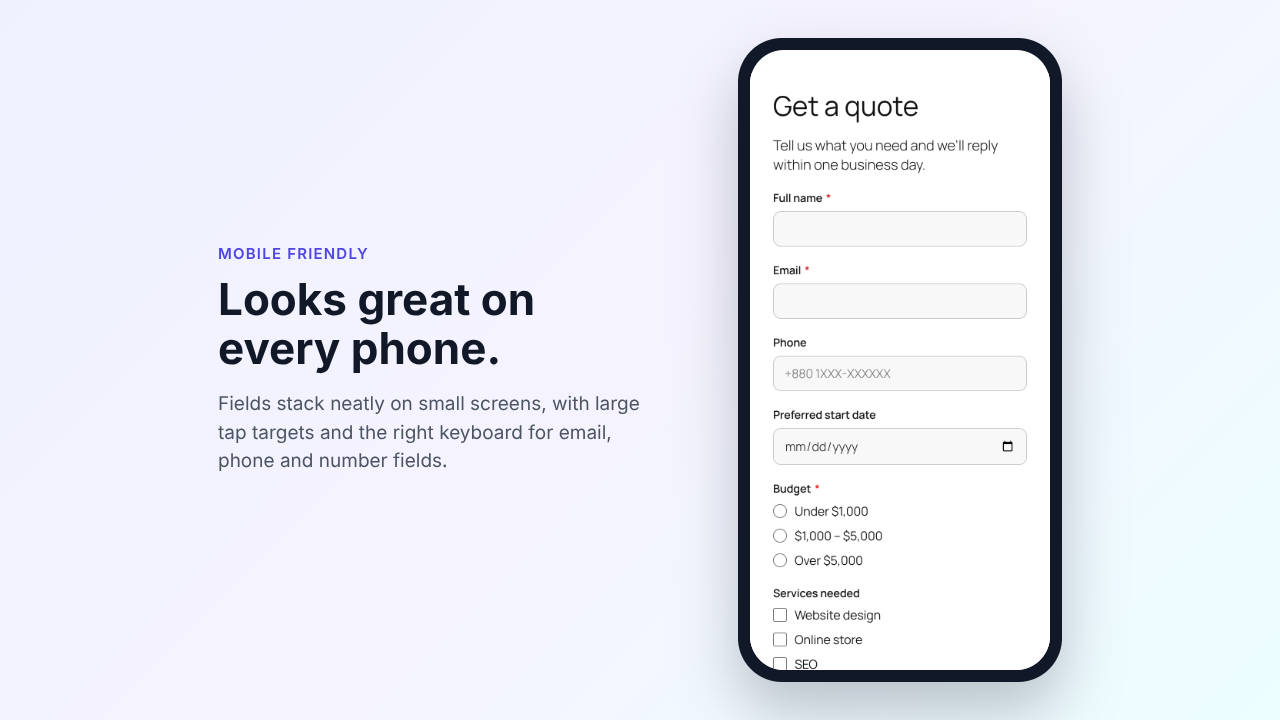
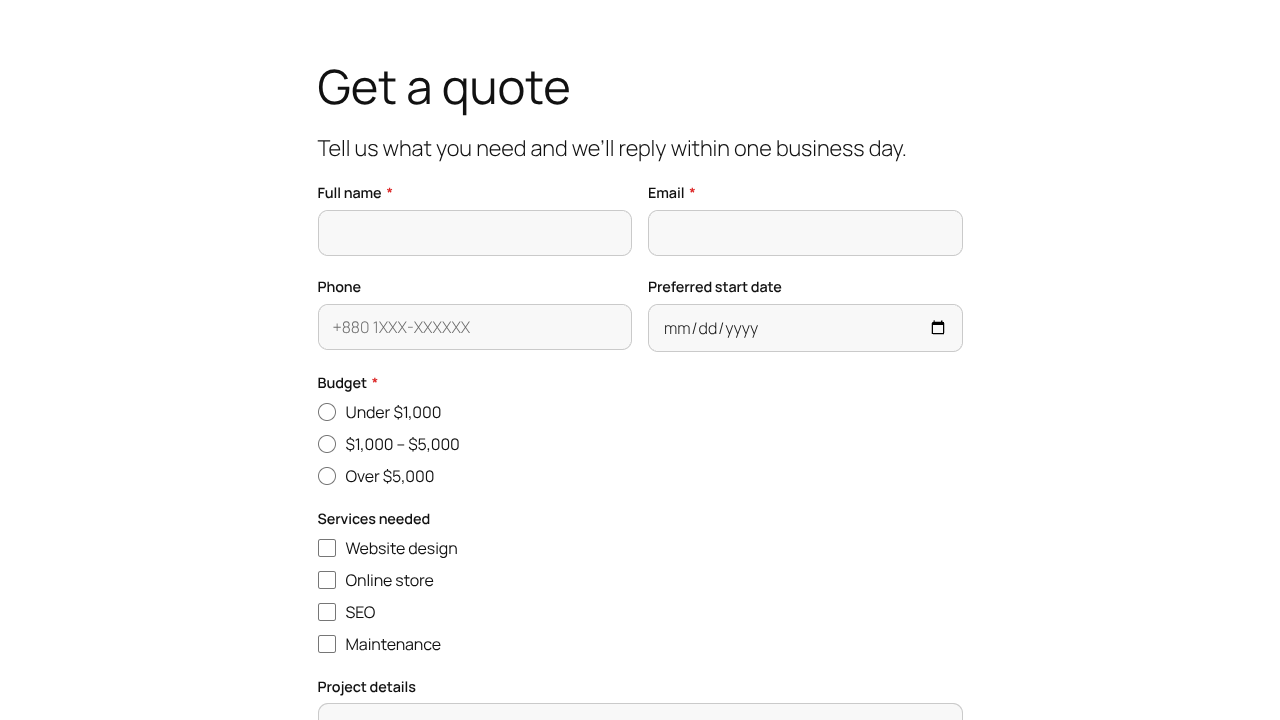
Get a quote
Tell us what you need and we'll reply within one business day.
Full name *
Email *
Budget *
Under $1,000
$1,000 – $5,000
Over $5,000
Request a quote
Thanks! Your message has been sent.
New entry · Get a quote
Ayesha Rahman · just now
Email sent to admin@example.com
Spam blocked · no captcha
features

Everything a contact form needs. Nothing it doesn't.

Install, activate and a ready-made contact form is waiting for you. Edit it, save it, paste the shortcode.

{{ feat.t }}
{{ feat.d }}
See how it works →
form builder

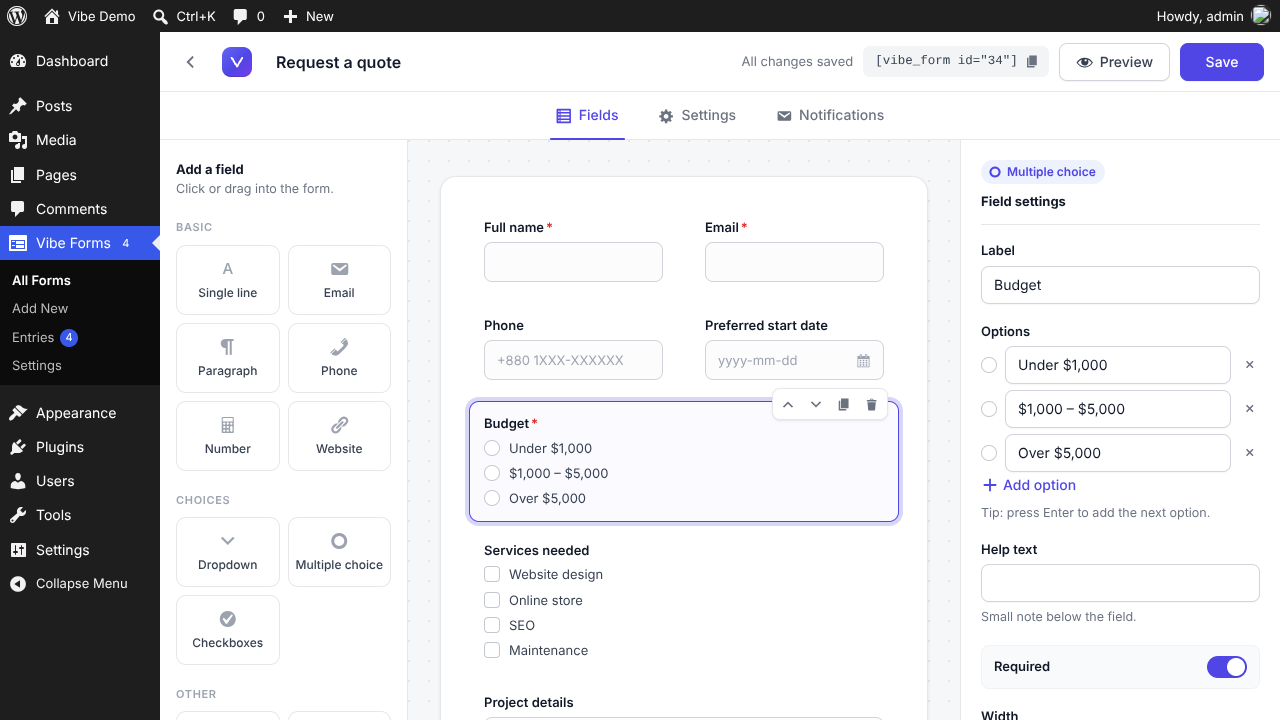
Click a field to add it. Drag it to move it.

Drag and drop builder
field types

11 fields that cover every form.

Emails are checked for a valid format, and https:// is added to website addresses when it's missing. Pick a field to preview it.

{{ field.name }} {{ fieldCount }}
{{ field.label }} *
{{ field.ph }}
{{ field.ph }}
{{ field.ph }}
New website
Redesign
Support
Under $1,000
$1,000 – $5,000
Over $5,000
Website design
Online store
SEO
Maintenance
{{ field.ph }}
1234567891011121314
I agree to the privacy policy and allow this site to store my submission.
{{ field.note }}
{{ field.use }} Required
notifications

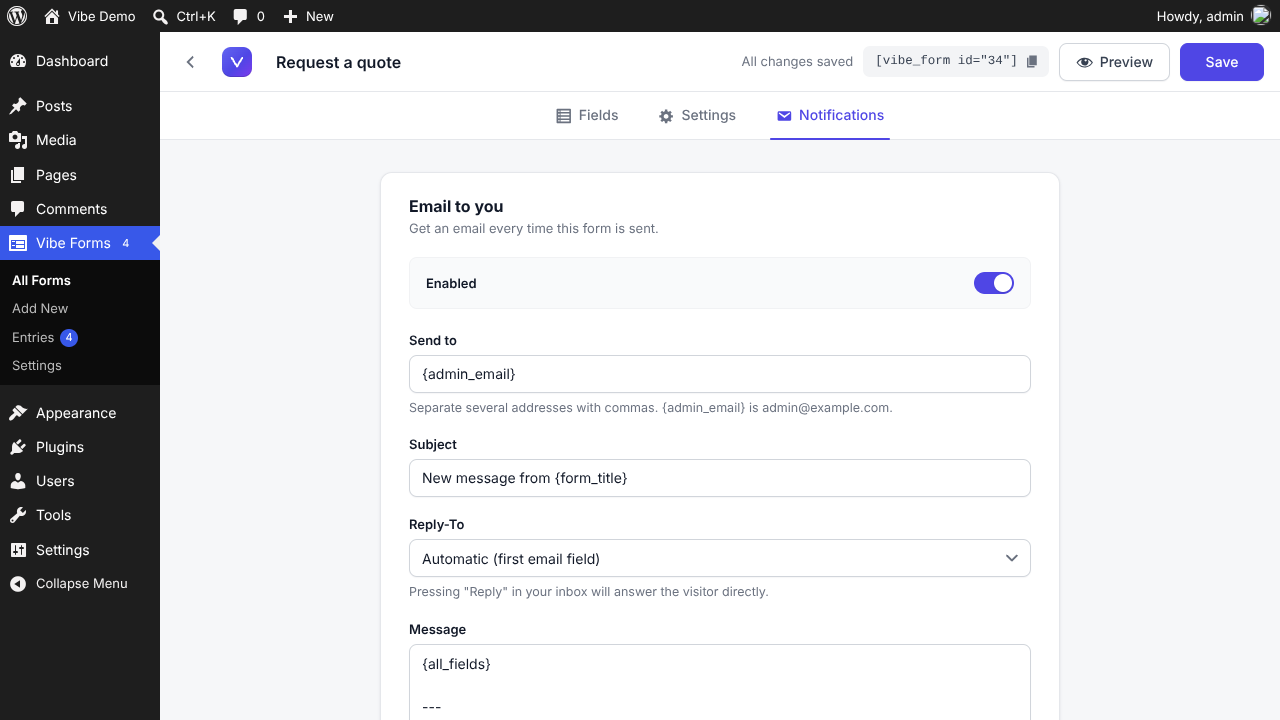
An email every time a form is sent.

Send to one or several addresses. Reply-To is set to the visitor automatically, so pressing Reply answers them directly.
Email tags · click one
Replaced with{{ tagDesc }}
Email notifications
entries

Every message, safely kept in WordPress.

Interactive demo

Click an entry, search, filter or export. It works like the real inbox.

VVibe Forms
Forms Entries{{ unread }} Settings
No entries match.
{{ sel.num }}
{{ sel.name }}
Reply by email
{{ fl.k }}
{{ fl.v }}
Details
Form{{ sel.form }}
Received{{ sel.received }}
Sent from{{ sel.page }}
Opening an entry marks it as read. The badge updates instantly.
{{ toastTitle }}{{ toastSub }}
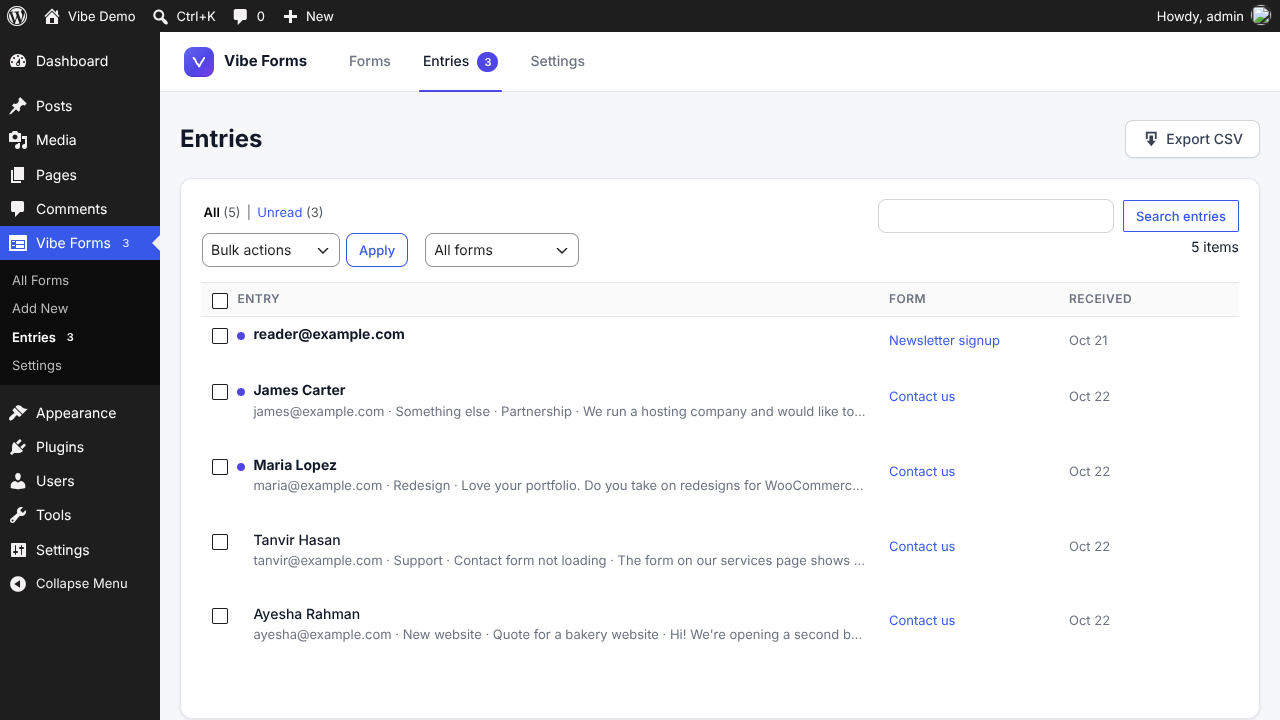
Unread at a glance

New messages get a dot and bold text. The badge counts what you haven't read.

Entries{{ unread }}
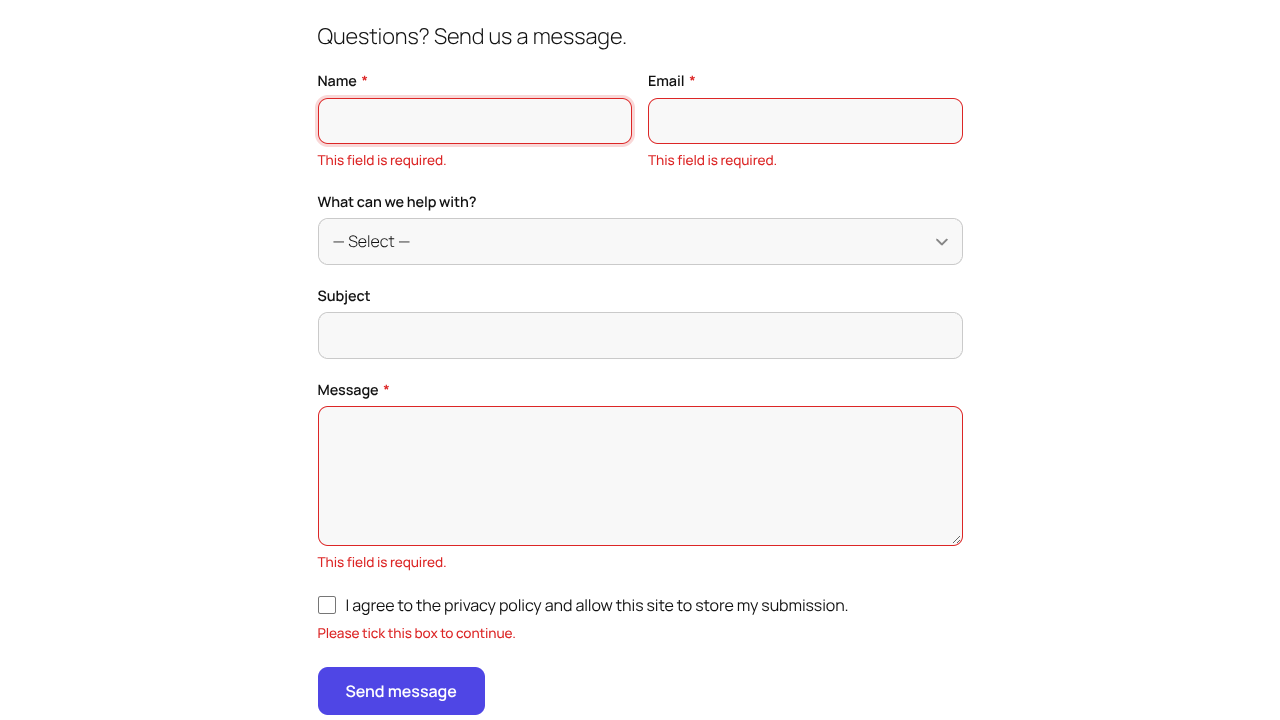
Filter and search

Pick a form, show only unread, or search any word in the messages.

bakery1 result
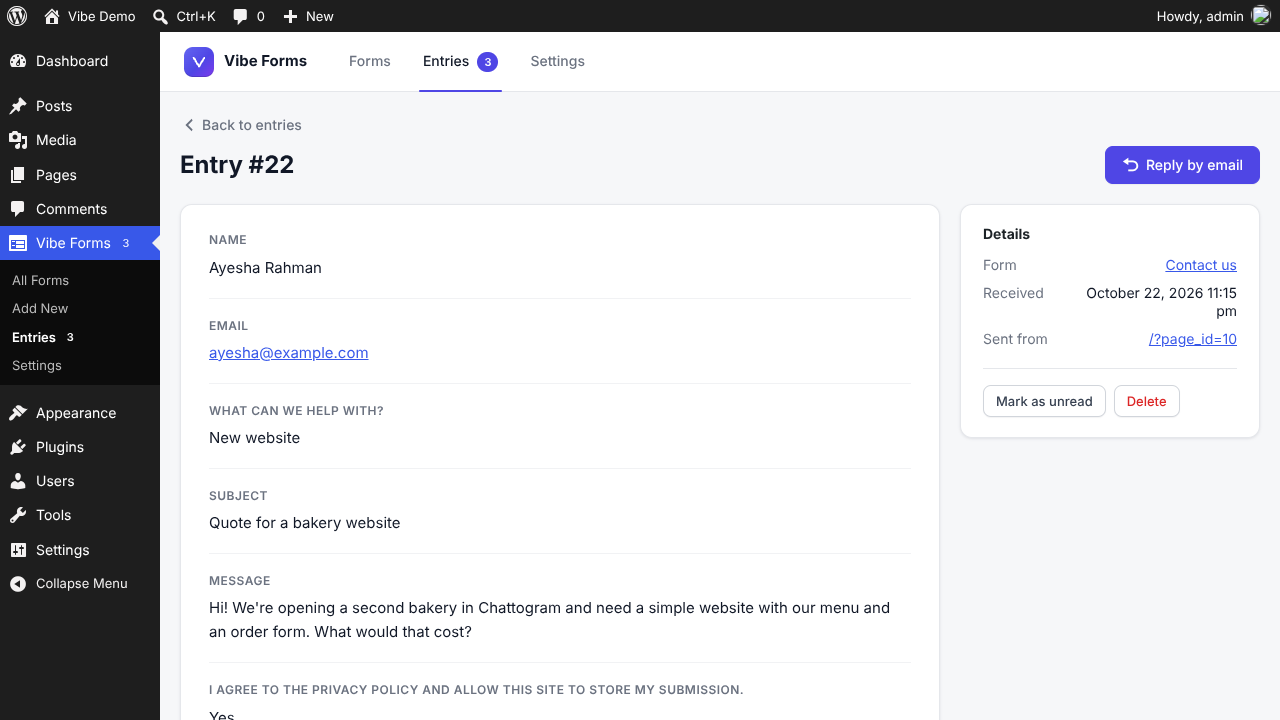
Reply by email

Opens your email app with the visitor's address filled in.

ayesha@example.comReply
Bulk actions & CSV export

Mark read, unread or delete in bulk. Export for Excel or Google Sheets.

vibe-forms-entries.csv
on your site

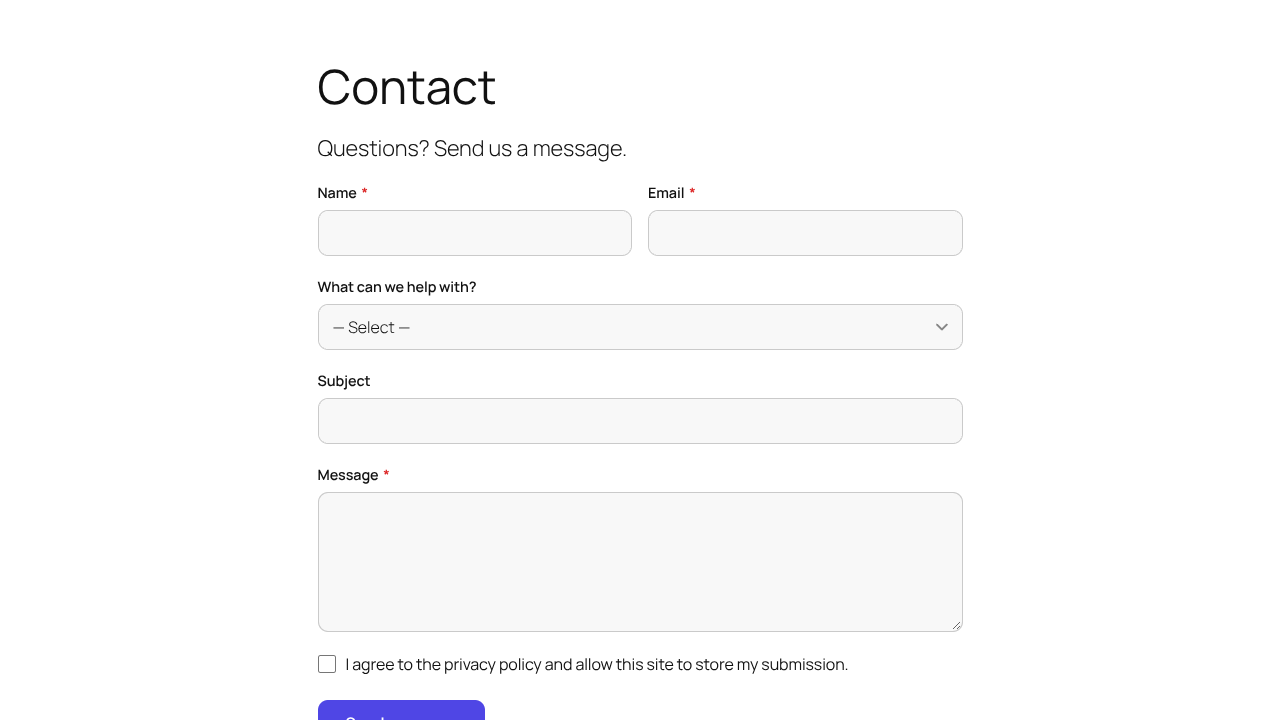
Clean forms that fit your theme.

Set your accent colour and label style, or turn off Vibe Forms styling and let your theme take over.
Accent colour · try it
yoursite.com/{{ frontSlug }}
Contact form Quote form Inline validation Mobile view
Mobile view
screens

See every screen.

wp-admin › Vibe Forms › Builder
wp-admin › Vibe Forms › Notifications
wp-admin › Vibe Forms › Entries
wp-admin › Vibe Forms › Entry #22
yoursite.com/contact
yoursite.com/get-a-quote
yoursite.com/contact
yoursite.com/get-a-quote
{{ slCap.n }}
{{ slCap.t }}{{ slCap.tag }}
{{ slCap.d }}
add it anywhere

Works with the editor and page builder you already use.

01

Vibe Form block

Search for Vibe Form in the block editor and pick your form. It looks exactly as visitors will see it.

02

Shortcode

Paste into the Classic editor, a Shortcode block or a text widget.

03

Page builders

Use a Shortcode widget in Elementor, Divi or any other builder. Each message is labelled with its page.

spam & privacy

Built in and always on.

A hidden field catches bots that fill in every box, and messages sent faster than a person could type are blocked. Visitors never see a captcha.

Incoming submissionsLive
{{ l.status }} {{ l.text }} {{ l.time }}
9876543210captchas
9876543210cookies set
9876543210IP addresses stored
Hidden honeypot

Catches bots that fill in every box.

Speed check

Messages sent faster than a person could type are blocked.

Consent field

Ask permission before storing a submission.

Email-only mode

Turn off saving entries on any form that should only send email.

installation

Up and running in four steps.

Read the user guide (PDF)
Step 1

Download vibe-forms-1.0.0.zip from your vibe96.com account. Keep it zipped.

Step 2

In WordPress, go to Plugins › Add New › Upload Plugin.

Step 3

Choose the zip file and click Install Now.

Step 4

Click Activate. A new Vibe Forms menu appears in the sidebar.

WordPress
6.3+ (tested to 7.1)
PHP
7.4 or newer
Database
MySQL or MariaDB
Editor
Block or Classic
Lifetime use · lifetime updates

Drag, drop, done.

You can have a working contact form on your site in about a minute. No license key is needed.

Buy fromVibe96
No license key Forms & entries kept on update WordPress 6.3+